EasySizes: Visual Size Guide vs Tabs Studiofor Shopify (2026)
EasySizes: Visual Size Guide focuses on providing a visual aid to customers for understanding product dimensions by comparing them to familiar objects, aiming to reduce returns related to size expectations. It targets merchants selling products where size is a key consideration, such as bags, jewelry, furniture, and electronics. Its main strength lies in its unique visual dimension comparison feature. Tabs Studio, on the other hand, is a more general product page enhancement tool. It allows merchants to organize product descriptions into tabs or accordions, improving page layout and information accessibility. It aims to reduce customer questions and returns by presenting information in a clear and structured manner. It offers more advanced content management features such as shared tabs and metafield integration. The target audience is broader, encompassing any Shopify merchant looking to improve their product page presentation. The key difference lies in their core functionality. EasySizes directly addresses size-related concerns with a visual tool, while Tabs Studio provides a versatile tab/accordion system for organizing all types of product information. EasySizes is more niche and offers a very specific solution, while Tabs Studio is more general-purpose and flexible. The review counts also significantly differ: Tabs Studio enjoys a substantial number of reviews, suggesting broader adoption and potentially more battle-tested reliability, while EasySizes has very few, indicating it is new or appeals to a smaller segment.
At a Glance
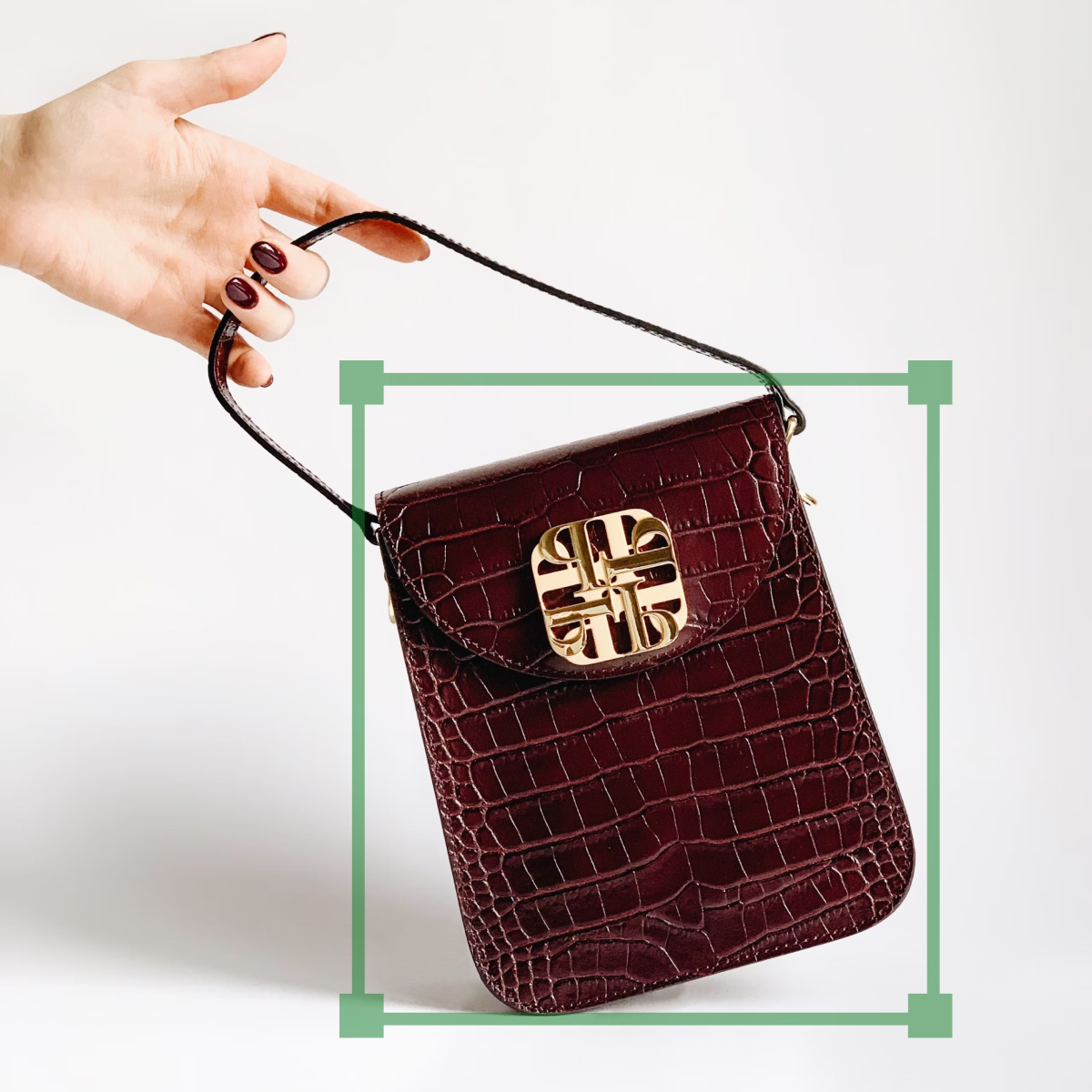
EasySizes: Visual Size Guide
1 reviews

Tabs Studio
167 reviews
Detailed Overview
EasySizes: Visual Size Guide
Compare side-by-side to familiar objects. Reduce returns. A visual dimensions size guid & size chart
Key Features
- Reduce returns by helping your shoppers immediately understan dimensions.
- Increase deal size by offering a bundle using our compare size widget.
- Customize colors to nail your brand vibe.
- Great for bags, jewelry, furniture, accessories, art, electronics, beauty & more
- Works great on mobile and desktop.
Tabs Studio
Go beyond the limits of your theme and easily add smart, professional tabs to your product pages.
Key Features
- Generate tabs from headings in your product descriptions
- Apply shared tabs to multiple products using collections, tags, and more
- Show metafields in tabs without writing any code
- Add icons, use design templates, and customize styles to match your store
- Tabs and accordions are fully responsive and WCAG 2.1 compliant
Feature Comparison
| Rating | 5/5 | 5/5 |
Rating EasySizes: Visual Size Guide5/5 Tabs Studio5/5 | ||
| Reviews | 1 | 167 |
Reviews EasySizes: Visual Size Guide1 Tabs Studio167 | ||
| Core Functionality | Visual Size Comparison | Tabs/Accordions for Product Descriptions |
Core Functionality EasySizes: Visual Size GuideVisual Size Comparison Tabs StudioTabs/Accordions for Product Descriptions | ||
| Target Merchant | Merchants selling items where size is crucial (e.g., bags, furniture) | All merchants looking to improve product page layout |
Target Merchant EasySizes: Visual Size GuideMerchants selling items where size is crucial (e.g., bags, furniture) Tabs StudioAll merchants looking to improve product page layout | ||
| Key Benefit | Reduce size-related returns | Organize information, reduce questions & returns |
Key Benefit EasySizes: Visual Size GuideReduce size-related returns Tabs StudioOrganize information, reduce questions & returns | ||
| Ease of Use (Implied) | Likely simple setup for a focused function | Potentially more complex due to broader feature set, but 'no coding required' |
Ease of Use (Implied) EasySizes: Visual Size GuideLikely simple setup for a focused function Tabs StudioPotentially more complex due to broader feature set, but 'no coding required' | ||
| Value Proposition | Visual clarity for sizing | Improved product page aesthetics and organization |
Value Proposition EasySizes: Visual Size GuideVisual clarity for sizing Tabs StudioImproved product page aesthetics and organization | ||
| Customization | Color customization | Design templates, style customization, icons |
Customization EasySizes: Visual Size GuideColor customization Tabs StudioDesign templates, style customization, icons | ||
| Content Management | Bundle offering | Shared tabs, metafield support |
Content Management EasySizes: Visual Size GuideBundle offering Tabs StudioShared tabs, metafield support | ||
Our Verdict
If you're primarily concerned about customers misunderstanding product sizes and experiencing returns as a result, *EasySizes: Visual Size Guide* is the more direct solution. The visual comparison tool is specifically designed to address this issue. However, be aware of the low review count, which could indicate a higher risk. If you need a more comprehensive solution for organizing and presenting all types of product information, and prefer a well-established app with many positive reviews, *Tabs Studio* is the better choice. It provides a versatile way to structure your product pages and can be adapted to various needs, even if it doesn't directly address size comparisons.
Essentially, EasySizes offers a specialized tool while Tabs Studio delivers broader product page improvements. New stores with a small catalog where dimensions are critical may prefer EasySizes to start, while established stores with larger catalogs that need better organization will likely find Tabs Studio more valuable.
Common Questions
Which app is easier to set up?
Based on the app descriptions, EasySizes likely offers a simpler initial setup due to its focused functionality. Tabs Studio, with its broader range of features and customization options, might require more time and effort to configure fully.
Which app is better for reducing returns?
Both apps claim to reduce returns. EasySizes directly targets size-related returns by providing visual size comparisons. Tabs Studio aims to reduce returns by improving clarity and organization, potentially reducing misunderstandings about product features and specifications.
Can I use both apps together?
Yes, technically, both apps can be used together. EasySizes would handle the visual size comparison, while Tabs Studio would organize other product information into tabs. However, consider whether the combination creates a cluttered user experience.
Which app is better for SEO?
Tabs Studio is likely to be more beneficial for SEO. By organizing product descriptions into tabs or accordions, it can improve page readability and user engagement, which are positive SEO signals. Also, having structured headings will make the content more easily indexed by search engines.
Which app is better for mobile users?
Both apps claim to work well on mobile. EasySizes mentions it explicitly and Tabs Studio specifies tabs and accordions are responsive. Since tabs adapt to accordions on mobile, Tabs Studio likely provides a superior experience to ensure mobile-friendliness.
Get More From Your Shopify Store
Run audits for SEO, CRO, PageSpeed, and AI visibility. Get a clear report and actionable fixes.
Try Fix My Store